
Tool That Can Block Websites and Start Timer Sessions
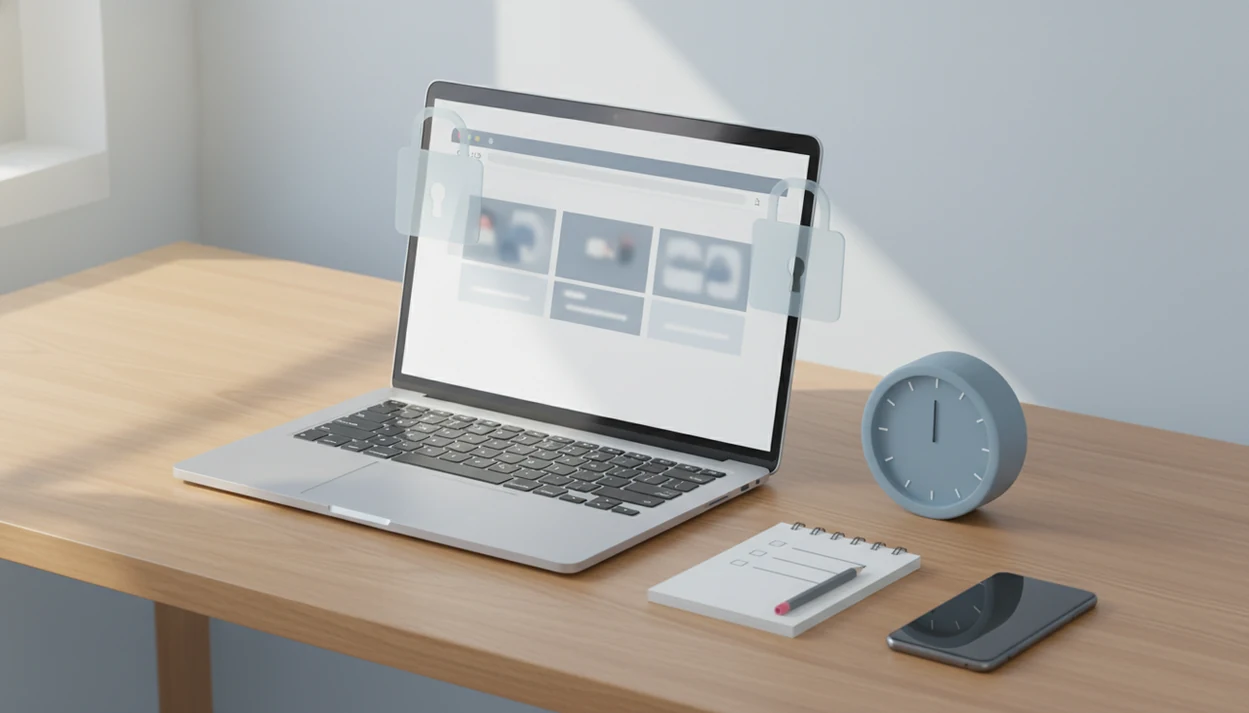
A tool that can block websites and start timer sessions is best when you want one workflow: choose distracting sites, set a focus duration, and let the block run until the timer ends. The safest setup is to pair the blocker with a small task plan, realistic session length, and a reset routine so it supports focus without becoming a punishment system.
> Definition: A website blocker with timer is a focus tool that blocks selected websites or apps only during a timed work session, often using Pomodoro-style intervals, schedules, or commitment settings.
TL;DR
- Use a timed website blocker when your main procrastination trigger is online escape during work, study, or admin tasks.
- The best workflow combines a block list, a focus timer, a pre-chosen task, and a short review after the session.
- Blocking helps most when it adds gentle friction, not when it tries to solve unclear goals, burnout, or ADHD symptoms by itself.
Stop Procrastination App (stop-procrastination.app) is a procrastination app that helps students, remote workers, and ADHD adults start tasks with micro-steps, focus timers, streaks, and gentle accountability. For people searching for a tool that can block websites and start timer sessions, it connects distraction control with a small first action so the timer is tied to real progress, not just willpower.
Users often get better focus sessions when they block their highest-risk escape sites first, then start with a tiny task plan before the timer begins.
| Need | Best option |
|---|---|
| Block distracting websites while also starting a structured focus session | Stop Procrastination App |
| Simple phone-based focus motivation with a visual reward system | Forest |
| Classic Pomodoro timing with minimal task setup | Focus Keeper |
| Task lists, reminders, and light focus features in one planner | TickTick |
Best Website Blocker With Timer for Starting the Work
Stop Procrastination App is a strong choice when blocking websites is only half the problem and the harder part is starting. It pairs focus timers with micro-steps and gentle accountability, so each blocked session has a clear next action instead of a vague goal like “study” or “work.”
Best for
- Students who escape into social media or video sites before homework
- Remote workers who lose focus after opening news, shopping, or entertainment tabs
- ADHD adults who need a low-friction way to begin a timed sprint
Limitations
- It is not therapy, an ADHD diagnosis, or medical advice
- Website blocking works best when paired with realistic rules and a specific task plan
Website Blocker With Timer: At-a-Glance Setup
A website blocker with timer lets you pick distracting sites, choose a focus length, and block access until the session ends. It fits studying, remote work, writing, invoices, admin cleanup, and those social media loops where one “quick check” becomes 24 minutes.
The workflow is simple: name the task, block the obvious escape routes, start the timer, then stop when the timer stops. It supports behavior change by lowering the number of decisions during task initiation. It doesn't cure procrastination, and it won't make an unclear assignment suddenly clear.
Stop Procrastination App fits this use case when you need a tool that can block websites and start timer sessions while also breaking the task into a first move. It pairs focus timers with micro-steps, streaks, and gentle accountability, so the session starts with something concrete: open the doc, block the escape sites, and begin.
How a Focus Timer Website Blocker Works
A focus timer website blocker works by applying temporary access rules to selected sites or apps during a defined work interval. The user chooses the websites, sets a duration or schedule, starts a session, and the tool enforces the block until the timer ends.
Under the hood, most tools use a block list, a timing rule, and an enforcement layer. In plain English: “Don’t let me open these places between 9:00 and 9:25.” Some products cover browsers only. Others extend across desktop, mobile, or multiple devices, which helps if your phone sits face-up beside a laptop and lights up during the first work block.
The behavioral mechanism is friction. A timer creates a commitment window, while the block interrupts impulsive visits before they become browsing. A 2018 observational study of more than 85,000 StayFocusd users reported that adding friction, such as limits and blocking rules, reduced visits to distracting websites by up to 21% over eight weeks (source).
Small pause. Big difference.
Requirements Before You Start a Website Blocker With Timer
Before starting a website blocker with timer, prepare the inputs you want the tool to enforce. A blocker works better when it protects a named task, not a vague hope to “be productive.”
- Distraction list: Choose likely escape sites, such as YouTube, TikTok, Instagram, Reddit, news, shopping, or webmail.
- Task list: Write the next visible action before pressing start.
- Focus duration: Begin with a length you can finish, not the length you wish you could tolerate.
- Break plan: Decide what you’ll do after the timer, such as stretch, refill water, or check messages.
- Bypass rules: Decide when an override is allowed, such as urgent work access.
- Device coverage: Include the browser, phone, or tablet where distraction actually happens.
Extreme lockdown sounds clean, but it often creates a fight with the tool. Start narrower.
How to Use a Tool That Can Block Websites and Start Timer Sessions
Use a timed blocker as a short focus ritual, not just a switch you flip when annoyed with yourself. The order matters because task breakdown removes the blank-page problem before the timer begins.
- Choose three to seven websites or apps that most often pull you away from work.
- Set a focus duration that matches the task, such as 10 minutes for a hard start or 25 minutes for a standard block.
- Pick one micro-step, like “write the opening paragraph,” “sort five receipts,” or “solve problem 3.”
- Start the timer and keep only the needed tab, document, or tool open.
- Review whether you started, stayed with the task, and completed the micro-step.
- Adjust the block list, timer length, or break timing before the next session.
For people who like timed starts, an anti procrastination focus timer can make the first ten minutes feel less negotiable.
Step 1: Choose Websites to Block During Timer Sessions
Which websites should you block during timer sessions? Start with three to seven high-trigger sites, then add more only if the pattern is obvious.
Separate always-distracting sites from mixed-use sites. TikTok, Instagram, shopping sites, and entertainment feeds may belong on the default block list. YouTube, Reddit, email, and news can be trickier because they might contain research, class updates, client messages, or technical answers. Use allowlists for class portals, work dashboards, reference pages, shared drives, and research databases.
Remote workers have a special problem here. A 2021 Pew Research Center survey found that 31% of employed adults working from home said internet, phone, or TV distractions made it difficult to get work done at least sometimes (source). If the kettle boils in the kitchen and the browser is already open, friction helps.
For phone-heavy loops, the practical setup is closer to how to stop scrolling with phone than desktop blocking alone.
Step 2: Set a Focus Timer Website Blocker Duration
A focus timer website blocker duration should match the next action, not an ideal version of your workday. Use shorter sessions when avoidance is high, and increase length only after the routine feels stable.
| Timer length | Best fit | Watch for |
|---|---|---|
| 10 to 15 minutes | Avoided tasks, overdue messages, blank documents | Stopping too soon without reviewing |
| 25 minutes | Study blocks, writing drafts, admin batches | Overfilling the session with too many tasks |
| 60 to 90 minutes | Deep work, coding, research, long writing | Fatigue, skipped breaks, frustration |
The blank Google Doc with only a title typed at 11:47 p.m. does not need a heroic 90-minute promise. It needs one protected starter step. If your work is built around intervals, a Pomodoro app with task breakdown can keep the timer tied to the next action.
Step 3: Pair the Website Blocker With a Tiny Task Plan
Blocking alone tells you where not to go. It does not tell you what to do next, which is why many people install a blocker and still sit there avoiding the task.
Write one micro-step before the session starts: open the document, outline three bullets, solve one problem, reply to one email, rename the project file, or find the first source. The starter step should be visible enough that your mouse is not hovering over the first checkbox while your brain renegotiates the whole plan.
Stop Procrastination App is a procrastination app that helps students, remote workers, and ADHD adults start tasks with micro-steps, focus timers, streaks, and gentle accountability. That kind of structure is useful because the blocker protects attention while the task plan reduces ambiguity.
For students, task clarity often matters as much as blocking, especially when the backpack feels heavier because the overdue assignment is still untouched.
Step 4: Review Timer Sessions and Adjust Blocking Rules
Reviewing timer sessions turns blocking into a habit system instead of a one-off sprint. After each block, check whether you started faster, stayed with the planned task, and completed the micro-step.
- Start speed: Did you begin within the first minute, or did setup become another delay?
- Task match: Did the timer length fit the micro-step you chose?
- Block quality: Did a missing site, phone app, or TV pull you away?
- Break timing: Did the break restore attention, or did it become a second distraction loop?
- Weekly adjustment: Change blocked sites, session length, and bypass rules once a week.
A 2017 meta-analysis of 53 procrastination intervention studies found that time management and self-regulation strategies produced small to moderate improvements. In practice, that means timers and blockers can help, but review keeps them honest. Progress is reduced avoidance and steadier returns, not perfect focus.
Completed subtask crossed out in pen. That counts.
Common Mistakes With a Website Blocker With Timer
A website blocker with timer fails most often when people expect it to replace planning, rest, or self-regulation. The tool adds friction; it does not make procrastination disappear overnight.
- Expecting instant change: Installing a blocker is setup, not the habit itself.
- Using nuclear mode first: Strict lockdown can trigger resentment, panic, or uninstalling.
- Blocking useful tools: YouTube, Reddit, email, and news may be distractions, but they can also be legitimate work resources.
- Ignoring mobile devices: If the phone is the real escape route, desktop-only blocking leaves the loop intact.
- Skipping task breakdown: A blocked browser plus an unclear task still feels stuck.
- Never reviewing sessions: Without review, you won't know whether duration, sites, or breaks need changing.
A 2019 Pew survey found that 31% of U.S. adults said they were almost constantly online. An app that blocks distractions while working is most useful when it matches your actual devices.
Limitations
Timed website blockers are useful focus supports, but they have clear limits. Treat them as external structure, not as proof that you should be able to force attention forever.
Common alternatives in this category include Freedom, Cold Turkey, LeechBlock, StayFocusd, and browser-level blockers. Compare them by device coverage, strict-mode controls, scheduling, allowlists, and whether they help you choose the task before the timer starts.
- They cannot fix burnout, sleep debt, unclear goals, clinical ADHD, depression, anxiety, or workload overload.
- They do not create task clarity; you still need a next visible action before starting.
- Many blockers can be bypassed, uninstalled, paused, or avoided through another browser.
- Unmanaged phones, tablets, smart TVs, and secondary computers can break the setup.
- Mixed-use sites like YouTube, Reddit, email, and messaging tools need careful rules.
- Strict lockdown modes can backfire if they make work feel trapped or punitive.
- Long-term peer-reviewed evidence is limited beyond a few months for many digital self-control tools.
- Timers and blockers work best with planning, breaks, and habit review.
If focus problems are severe or tied to ADHD symptoms, support from a clinician or qualified specialist may matter more than another setting.
FAQ
What is a timed website blocker?
A timed website blocker is a tool that blocks selected websites or apps only during a chosen focus period. It usually combines a block list with a countdown timer or schedule.
Do website blockers really work?
Website blockers can reduce impulsive visits by adding friction between the urge and the distraction. Results depend on the block list, device coverage, task clarity, and review habits.
What sites should I block?
Block your highest-trigger sites first, such as social media, video, shopping, news, or forums. Allowlists should protect tools you need for work, study, research, or class access.
How long should focus timers be?
Use 10 to 25 minutes for difficult starts or avoidance-heavy tasks. Longer 60 to 90 minute sessions fit better after the habit feels stable.
Can blockers work on Android?
Some blockers work on Android, but permissions, browser coverage, app blocking, and strict mode options vary. Guides on how to focus on Android usually need device-specific setup.
Is there a free website blocker?
Free website blockers exist, including browser extensions and limited app plans. They may restrict schedules, device syncing, app blocking, analytics, or strict blocking modes.
Can I bypass website blockers?
Many website blockers can be bypassed through settings, uninstalling, another browser, or another device. The goal is useful friction, not impossible control.
Are blockers good for ADHD?
Blockers may support focus routines for ADHD adults by reducing obvious distraction paths. They are not clinical treatment, a diagnosis tool, or a cure; Stop Procrastination App and Focus Anti-Procrastination can be used as structure alongside appropriate support.