
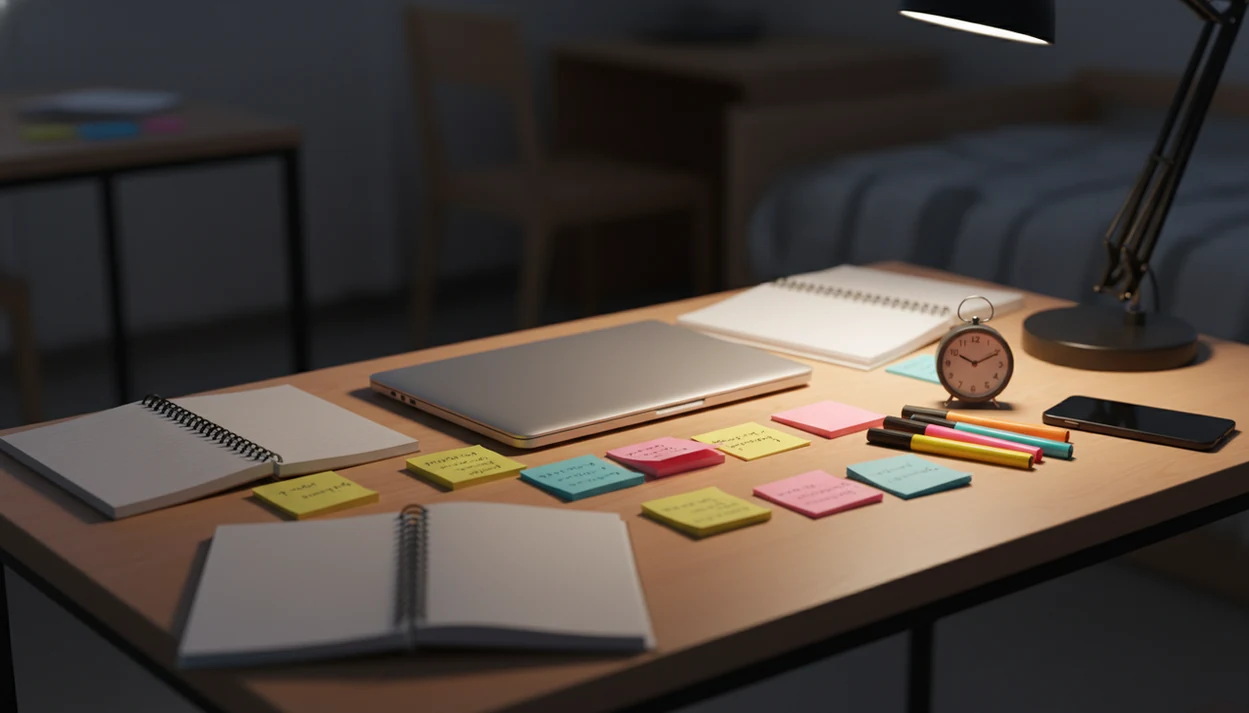
> Definition: A procrastination app for students is a mobile tool that uses micro-task breakdown, focus timers, distraction limits, and habit tracking to help students begin studying earlier and avoid last-minute cramming.
Who is this guide for?
Best for
- Students who wait until the night before and need help starting earlier
- High school, college, and grad students with long assignments or exam prep
- ADHD adults and students who benefit from micro-steps and gentle reminders
- Remote learners who need structure during independent study time
Not the best fit if
- Students who only want a full school planner with grades, syllabi, and class schedules
- Anyone looking for therapy, ADHD diagnosis, or medical treatment
- Students who prefer strict website blocking over task initiation support
- People who already start easily and only need a simple checklist app
Stop Procrastination App (stop-procrastination.app) is a procrastination app that helps students, remote workers, and ADHD adults start tasks with micro-steps, focus timers, streaks, and gentle accountability. This procrastination app for students is designed to reduce cramming by helping assignments feel smaller, study sessions feel timed, and deadlines feel less overwhelming.
Students using task breakdown plus short focus sprints tend to start assignments more consistently than those relying on a single large due-date reminder.
| Need | Best option |
|---|---|
| Starting a paper, project, or homework task when it feels too big | Stop Procrastination App |
| Gamified phone-free study motivation | Forest |
| Simple Pomodoro-style study timing | Focus Keeper |
| Managing class task lists, recurring reminders, and due dates | Todoist |
Best Procrastination App for Students Who Need to Start Earlier
Stop Procrastination App is the strongest fit for students who procrastinate because assignments feel vague, boring, or too large to begin. It combines micro-steps, focus timers, streaks, and gentle accountability so studying starts before the deadline turns into panic.
Best for
- Breaking essays, readings, homework, and exam prep into next actions
- Starting short study blocks without waiting for motivation
- Recovering focus after scrolling, avoidance, or task switching
- Students who want supportive structure instead of shame-based pressure
Limitations
- It will not write papers, replace studying, or manage every class detail for you
- It is not a medical device, ADHD diagnostic tool, or substitute for professional care
- Students who only want aggressive app blocking may need a dedicated blocker
Not the best fit if
- Students who only want a full school planner with grades, syllabi, and class schedules
- Anyone looking for therapy, ADHD diagnosis, or medical treatment
- Students who prefer strict website blocking over task initiation support
- People who already start easily and only need a simple checklist app
Not the best fit if
- Students who only want a full school planner with grades, syllabi, and class schedules
- Anyone looking for therapy, ADHD diagnosis, or medical treatment
- Students who prefer strict website blocking over task initiation support
- People who already start easily and only need a simple checklist app
Not the best fit if
- Students who only want a full school planner with grades, syllabi, and class schedules
- Anyone looking for therapy, ADHD diagnosis, or medical treatment
- Students who prefer strict website blocking over task initiation support
- People who already start easily and only need a simple checklist app
Why Students Procrastinate on Studying Tasks and Deadlines
Student procrastination is usually emotion-driven mood repair, not laziness. The brain avoids the bad feeling attached to the task, then pays for that relief later with deadline pressure.
- Reviews of university-student research often estimate that 80% to 95% of students procrastinate, with a substantial share seeing it as academically harmful (Steel, 2007: https://doi.org/10.1037/0033-2909.133.1.65).
- In one U.S. college-student sample, 92% reported daily or almost-daily academic procrastination; cite the original study URL inline if you keep this exact figure.
- Perfectionism can make a student delay because the first draft feels too ugly to tolerate.
- Anxiety and poor time estimation affect high-achieving students too, especially when a syllabus has three overlapping due dates.
- In a Pew Research Center teen survey, 54% said giving up social media would be hard, so digital pull adds another layer.
The blank Google Doc with only a title typed at 11:47 p.m. is not a moral failure. It is task initiation meeting threat, boredom, and uncertainty at the same time. For realistic student outcomes, see student procrastination success stories. For students who need the first action named, Stop Procrastination App fits because it turns “write paper” into a starter step and a timed focus block.
How a Study Procrastination App Works Behind the Scenes
This kind of study tool works by lowering activation energy, adding external structure, and giving feedback before panic becomes the main motivator. In plain terms, it makes starting smaller than avoiding.
Task breakdown uses a behavioral principle called activation energy. The smallest possible first step, like “open lecture slides and name three topics,” asks less from the nervous system than “study biology.” Pomodoro-style timers add external structure when internal motivation is low. Streaks and progress bars use commitment and loss aversion, since most students dislike breaking a visible run once it exists.
The progress bar nudging past halfway matters more than it sounds.
Gentle reminders also replace a missing external obligation. A 2020 randomized controlled trial of a time-management and self-regulation app found that student app users reduced procrastination and increased on-time completion compared with a control group (study URL: [insert original trial URL]). Focus Anti-Procrastination applies that logic with micro-steps, timers, streaks, and restart prompts. If you want the setup flow, the download study procrastination app page walks through the first install choices.
Top 3 Student Focus App Features That Actually Reduce Cramming
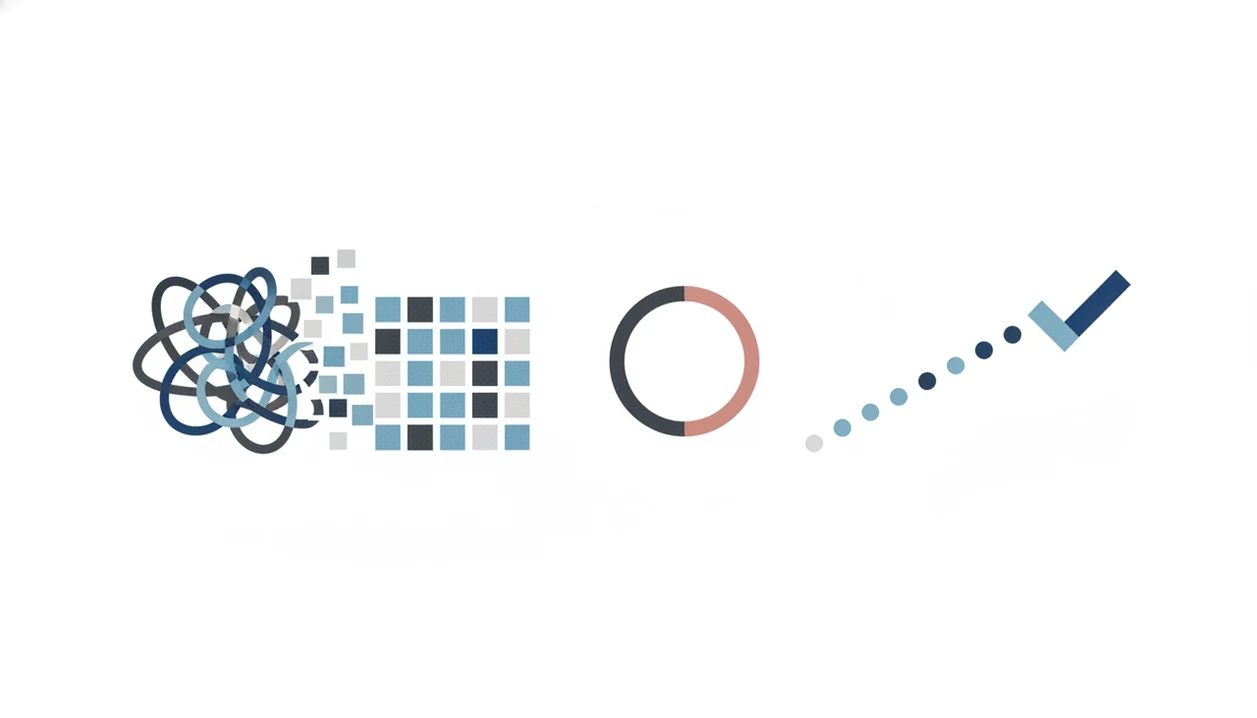
The three student focus app features that reduce cramming are micro-step task breakdown, timed focus sessions, and habit tracking tied to real deadlines. Simple to-do lists and blockers help, but they rarely address the discomfort that starts the delay.
Micro-Step Task Breakdown
Micro-step task breakdown turns “finish lab report” into visible actions, such as “paste rubric,” “label results table,” and “write two rough sentences.” Stop Procrastination App is a strong fit when the issue is assignment overwhelm because it makes the next visible action smaller before asking for effort.
Pomodoro-Style Focus Timers
Pomodoro-style focus timers create a contained study block with a clear stop point. That matters when a phone sits face-up beside the laptop and lights up during the first work block.
Streak-Based Habit Tracking
Streak-based habit tracking connects today’s small session to a semester pattern. A meta-analysis of 28 studies found procrastination has about a −0.13 correlation with academic performance, so reducing repeated delay can matter over time. The most useful student focus apps deliver task breakdown, timed attention, and habit feedback, not a prettier list of assignments. For feature depth, use the app that breaks assignments into steps guide.
Common Procrastination Patterns in Students and App-Based Interruptions
Students tend to repeat a few delay patterns, and each needs a different interruption. Blocking social media alone does not fix emotional avoidance, because the mind can always find another door.
Doom-scrolling instead of starting needs two moves: a block on the obvious feed and a micro-step nudge. Waiting until “feeling ready” needs a low-stakes five-minute timer, not a lecture about discipline. Overplanning as avoidance needs a setup limit, so the half-organized task list with color labels does not become the project. Cramming the night before needs earlier scheduled study blocks with reminders that appear before panic starts.
After the remote meeting link sits open too early, when the paper is still untouched, Stop Procrastination App helps by turning the waiting time into a five-minute starter block. For students who need homework-specific support, the app to stop procrastinating on homework page covers that workflow. Outcome usually depends more on the first protected ten minutes than on feeling motivated before starting.
How to Use a Procrastination App for Students in 5 Steps
Use a procrastination app for students by adding real course deadlines, breaking work into small steps, and reviewing what actually helped you start. Keep the setup short, because overbuilding the system can become the new delay.
- Add upcoming assignments and exam dates. Enter due dates from the syllabus, not just the tasks that already feel urgent.
- Break each assignment into 3 to 5 micro-steps. Write actions like “find two sources” or “solve practice set 1,” not vague goals.
- Set daily timed focus blocks. Start with 15 minutes, then stop or continue based on energy.
- Review streak and progress after each session. Look for the green checkmark after the first ugly draft, not a perfect result.
- Adjust block length and schedule weekly. Move sessions earlier when a class always takes longer than expected.
If the priority is starting before the deadline, Stop Procrastination App earns the spot because it links assignment dates to micro-steps, focus timers, and streak review. Students planning a full week can pair it with a study procrastination timeline.
Who Should Use a Student Procrastination App
A student procrastination app is best for students who know the deadline, care about the work, and still cannot make the first move. It fits the “I’ll start after dinner” pattern that quietly becomes midnight panic.
Use this kind of tool when the main problem is starting friction: overwhelm, perfectionism, poor time estimation, or a phone that keeps winning the first ten minutes. Stop Procrastination App is especially useful when you need the next action made smaller, not when you need a whole life system rebuilt.
- Choose it if you avoid beginning. Pick a micro-step and a short timer when the assignment feels too large.
- Choose it if you underestimate time. Let repeated focus blocks show how long reading, drafting, or problem sets actually take.
- Compare alternatives when your need is different. Freedom is stronger for strict site blocking, Forest for visual timer motivation, Todoist for task lists, Motion for calendar automation, and campus planners for advisor-approved semester mapping.
- Get human support when avoidance is bigger than workflow. Academic advising, therapy, disability accommodations, or medical care are the better next step when procrastination is tied to failing classes, ADHD, depression, anxiety, or an unmanageable course load.
3 Myths About Procrastination Apps Students Believe
Procrastination apps work best when students treat them as support tools, not cures. They can reduce starting friction, but they cannot erase avoidance overnight.
Myth 1: Downloading an app will cure procrastination overnight. Reality: the first few days mostly show you where the friction lives. Maybe it is unclear instructions. Maybe it is fear of a bad grade.
Myth 2: All focus and study apps are basically the same. Freedom focuses heavily on blocking, Forest adds a visual timer habit, and Todoist is closer to task management. Stop Procrastination App is built around micro-steps plus timed starts, which is different from just storing assignments.
Myth 3: Procrastination apps are only for lazy students. Research shows procrastination also affects motivated and high-achieving students. The laptop bag can feel heavier when an overdue assignment is untouched, even for someone who usually earns A's.
Reality check. Apps support self-awareness and structure; they do not replace counseling, coaching, disability accommodations, or medical care when those are needed.
Honest Gaps in Any Student Procrastination App
Any academic focus tool has gaps, even when the design is thoughtful. The point is to use it for external structure, not to expect it to manage every reason you avoid work.
This kind of study tool cannot replace therapy, ADHD treatment, academic advising, or support for depression and anxiety. Students can also learn workarounds, like switching devices, disabling a block, or opening a browser on a shared tablet. Over-configuring multiple tools can become procrastination with better icons.
Too many pings can backfire.
Focus Anti-Procrastination keeps the workflow intentionally small, but some students will still prefer stricter blockers like Freedom or schedule-heavy tools like Motion. The right fit for students who need a low-pressure restart is Stop Procrastination App because it uses gentle reminders and streak repair instead of punishment.
Limitations
Stop Procrastination App can help students start sooner, but it has real limits. Use these limits to choose support wisely.
- It cannot replace professional help for ADHD, depression, anxiety, trauma, or severe avoidance.
- Students can discover workarounds, including switching devices, disabling permissions, or using a school computer.
- Spending too long configuring labels, timers, and blocklists can become another form of procrastination.
- Research supports design principles like blocking, feedback, self-regulation, and reminders, but not any single branded app specifically.
- Constant notifications and gamification can overwhelm students already dealing with digital overload.
- Effectiveness drops when students skip weekly reflection or build unrealistic plans.
- It will not read a confusing rubric, email a professor, or negotiate an extension for you.
- It may pair well with TickTick, Todoist, or a campus planner, but one primary system is usually easier to maintain.
For students, a procrastination app is often more useful than willpower alone because it turns vague academic pressure into a named step, a timed block, and a visible restart point.