
Remote Work Procrastination Success Stories and Focus Sprints
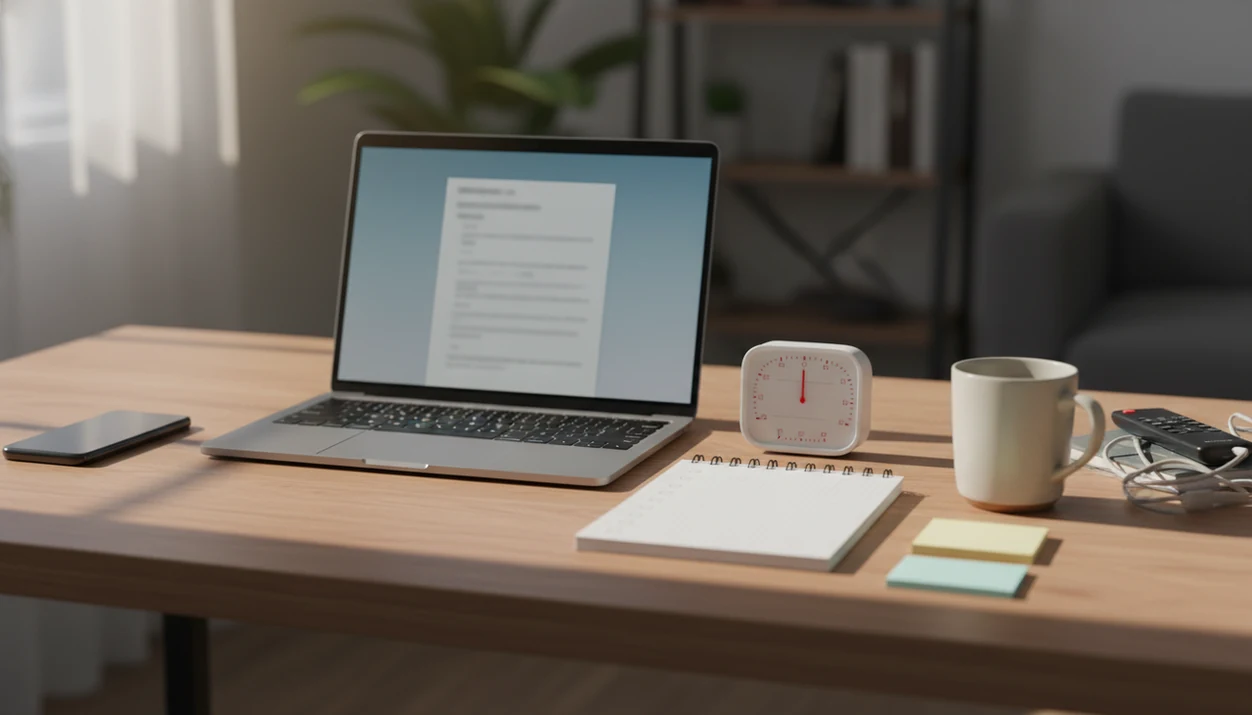
Remote work procrastination success stories are most useful when they show a repeatable shift: clearer tasks, protected focus blocks, fewer home distractions, and simple tracking. The realistic win is not perfect discipline; it is finishing more important work at home by making each work session smaller and easier to start.
- The strongest remote focus stories show routines, not one-time motivation bursts.
- Task breakdowns, timers, boundaries, and accountability are the common behavior changes.
- Good examples measure output, acknowledge interruptions, and avoid pretending remote work is automatically productive.
> A focus anti-procrastination system can help remote workers turn vague tasks into micro-steps, timed work blocks, and visible accountability without pretending motivation is the whole problem.
Stop Procrastination App (stop-procrastination.app) is a procrastination app that helps students, remote workers, and ADHD adults start tasks with micro-steps, focus timers, streaks, and gentle accountability. This remote work procrastination success stories page shows how home workers can move from vague intentions to clearer next actions, timed focus blocks, and realistic work-from-home routines.
Remote workers using Stop Procrastination App often report that the biggest shift is not longer work hours, but turning a stalled task into one visible micro-step they can start within a few minutes.
| Need | Best option |
|---|---|
| Starting a remote work task when the next step feels unclear | Stop Procrastination App |
| Keeping a simple Pomodoro-style rhythm during home work sessions | Focus Keeper |
| Organizing recurring remote work tasks and project lists | Todoist |
| Using a visual focus cue to avoid phone distractions | Forest |
Best App for Turning Remote Work Procrastination Into Focus Sprints
Stop Procrastination App is a strong fit for remote workers who know what they need to finish but keep delaying the first step. It combines micro-steps, focus timers, and gentle accountability so home workers can restart without relying on panic or shame.
Best for
- Remote workers who get stuck before starting reports, emails, or admin tasks
- Work-from-home routines that need clearer next actions and timed focus blocks
- ADHD adults who want structure without harsh motivation
Limitations
- It is not therapy, medical advice, or an ADHD diagnosis tool
- It cannot remove workplace overload, unclear manager expectations, or unrealistic deadlines by itself
Remote Work Procrastination Success Stories: What Changed First
Remote work procrastination success stories usually start with smaller tasks and protected focus blocks. The first change is rarely “more motivation.” It is a clearer first move, a shorter work window, and fewer decisions at the start.
Remote routines matter because remote-capable work is now normal for many teams. Gallup reported that 52% of U.S. workers with remote-capable jobs were fully remote and 27% were hybrid in 2025, according to its workplace survey source. Pew Research Center also found that many workers whose jobs can be done from home work remotely at least part of the time, with hybrid work remaining common among remote-capable employees source.
The stories below are realistic composite-style vignettes, not miracle transformations. Think of the blank Google Doc with only a title typed at 11:47 p.m. The win is building a repeatable system, not becoming someone who never procrastinates again.
Remote Work Procrastination Mechanics: Micro-Steps, Timers, and Cues
Remote work procrastination often happens when vague tasks meet low-friction distractions and weak external structure. Micro-steps, timers, and visible cues work by lowering task initiation resistance and replacing missing office signals.
A task like “finish the client deck” asks the brain to solve too much at once. “Write the first slide title” is different. It gives the next visible action a clean edge, which makes starting less emotional.
Timers help because they turn an open-ended demand into a short commitment window. A 25-minute focus block feels less like signing away the whole afternoon. Daily plans, visible lists, and check-ins add external structure when there is no commute, office door, or coworker walking past.
Home can be quieter, which may help some work. A Stanford home-working experiment reported a 13% productivity increase for call-center workers, linked partly to more minutes worked and a quieter environment source. Quieter does not mean easier for everyone.
Remote Focus Story 1: Maya’s Report Sprint Routine
Maya, a remote analyst, kept delaying weekly reports until late afternoon. Her old pattern was familiar: check email, open the reporting dashboard, switch tabs, reread the same request, then feel guilty because the next step still wasn’t obvious.
She changed the shape of the task before changing her effort. The report became four micro-steps: pull data, draft three bullets, format one chart, and send the summary. That checklist sat beside her laptop before Slack opened.
Her new routine used two 25-minute morning focus sprints. Phone away. Slack paused. One report step per sprint. For people building a similar setup, a tool to plan focus sprints can help make the block visible before the workday starts.
The result was not a flawless calendar. On meeting-heavy Wednesdays, Maya used one 12-minute reset sprint after lunch. Still, most reports went out earlier, with fewer end-of-day catch-up sessions.
Remote Focus Story 2: Daniel’s Work From Home Focus Results
Daniel is a customer success manager with calls scattered across the day. Before he changed his routine, he used tiny gaps for social scrolling because deeper work felt impossible. His thumb drifting toward the social app icon became the signal that the gap had no plan.
He stopped trying to copy a writer’s deep-work schedule. Instead, he made a daily top-three list and matched each task to the kind of gap he actually had. Fifteen minutes became an admin sprint. Thirty minutes became a client follow-up block. The last ten minutes became a quick review.
His work from home focus results were measured in finished outputs, not vibes. Fewer follow-ups rolled into the next day. More clients received same-day updates.
For remote workers with fragmented roles, short matched blocks often work better than long focus sessions because the routine respects meeting density and support demands.
Remote Focus Story 3: Priya’s Home Workspace Boundaries
Priya, a remote designer, lost time to household interruptions and constant context switching. She started on the couch, reacted to chores, then opened design tools and kept redesigning instead of shipping a draft.
Her change was partly physical. She set one desk zone, used a visible work signal, and protected two design blocks each day. Before opening Figma, she named one deliverable: “homepage hero draft,” not “work on redesign.”
The timer mattered, but the boundary mattered more. She took scheduled breaks, then returned to the same named deliverable. Over several weeks, she had more finished drafts and fewer half-polished versions sitting in folders.
Not magic. Priya had to talk with household members about when she was available. A focus app for remote workers can support the routine, but a visible boundary at home still needs real communication.
Five Common Patterns in Remote Work Procrastination Success Stories
- Large vague tasks became small visible next actions. “Finish proposal” turned into “draft pricing paragraph,” which made starting less slippery.
- Focus blocks were protected before distractions entered the day. The first work sprint happened before the inbox shaped the whole morning.
- Breaks were scheduled instead of treated as failure. A planned pause prevented the “I already ruined the day” spiral.
- Accountability came from check-ins, lists, deadlines, or streaks. The structure lived outside memory, which helped on low-energy days.
- Output was tracked. Sent reports, completed follow-ups, and shipped drafts counted more than hours online.
These patterns fit the broader evidence that remote performance can improve under the right conditions. The phrase “under the right conditions” is doing real work here. Good anti-procrastination systems with task breakdown, focus timers, and habit-building tools deliver external structure, not a new personality.
Remote Work Focus Sprints: 5-Step Home Routine
Use remote work focus sprints when the task feels too large, too vague, or too easy to avoid. The goal is to protect the first ten minutes, then let momentum do some of the work.
- Set one outcome for the next block, such as “send the client update” or “draft two report bullets.”
- Break the task into micro-steps that can be checked off without rethinking the whole project.
- Block a short sprint with a timer, usually 15 to 30 minutes to start.
- Remove one or two distractions, such as a phone face-down in another room or notifications paused.
- Review the finished output and log what moved forward, even if the block was imperfect.
Tools like Stop Procrastination App can support micro-steps, focus timers, streaks, and gentle accountability. If the main issue is turning client work into visible actions, an app that breaks client projects into next actions may fit that workflow.
Remote Focus Story Evidence: What Anecdotes Do Not Prove
Anecdotes can inspire, but they do not prove one method works for every remote worker. Remote work does not automatically improve productivity, and a good story should never pretend otherwise.
Structured focus blocks are different from simply working longer hours. A focus sprint asks, “What output will be finished in this window?” Longer hours often ask, “How long can I stay online?” Those are not the same question.
Roles with support queues, urgent collaboration, or dense meetings may need shorter blocks. A customer support lead may only get 10 quiet minutes between escalations. That still counts if the task is sized correctly.
Apps can scaffold behavior, but they cannot fix unclear priorities, burnout, or poor management. A focus app can help turn vague work into named steps; it cannot decide which manager request matters most.
Limitations
Remote focus stories are useful when they stay honest. They are less useful when they flatten messy jobs into neat before-and-after plots.
- Remote focus stories are often anecdotal and may rely on self-report.
- Productivity gains vary by role, manager, home environment, and task type.
- Long uninterrupted focus blocks do not fit every remote job, especially support-heavy roles.
- Task breakdown and timers require repetition before they feel reliable.
- Apps cannot solve burnout, unclear expectations, caregiving load, or unmanaged workloads.
- Some workers need better boundaries or management support more than another productivity technique.
- A quiet home office is not available to everyone.
- Measurement can be distorted if workers count busywork instead of finished output.
If you track patterns over time, use a simple procrastination habit tracker and look for repeat triggers. The half-organized task list with color labels but no first action selected is often the clue.
FAQ
Why do I procrastinate when I work remotely?
Remote procrastination often comes from vague tasks, weak structure, home distractions, and low accountability. It is usually a task-starting problem, not a character flaw.
Do focus blocks work when you work from home?
Focus blocks can help when they are short, protected, and tied to a clear output. They work less well when the goal is vague or interruptions are constant.
How long should remote work focus sprints be?
Start with 15 to 30 minutes and adjust by task type. Meeting-heavy roles may need shorter sprints than writing, analysis, or design work.
What is a micro-step for remote work tasks?
A micro-step is the smallest visible next action that makes a task easier to start. Examples include “open the invoice,” “write three bullets,” or “send the draft link.”
Can timers help me stop procrastinating at home?
Timers can reduce starting pressure by turning a large task into a short commitment. Stop Procrastination App includes focus timers, but the timer works only when paired with a clear next step.
How do I measure focus when I work remotely?
Measure finished outputs, completed steps, sent messages, reviewed drafts, or completed focus sessions. Avoid using hours online as the only measure.
Is remote work more productive than office work?
Remote work can be productive with structure, boundaries, and clear priorities. It is not automatically better than office work for every role or home setup.
What should I do if meetings keep interrupting my focus blocks?
Use shorter sprints, meeting-adjacent admin blocks, and one daily priority instead of long deep-work sessions. Stop Procrastination App can help track those smaller blocks without requiring a full open afternoon.