
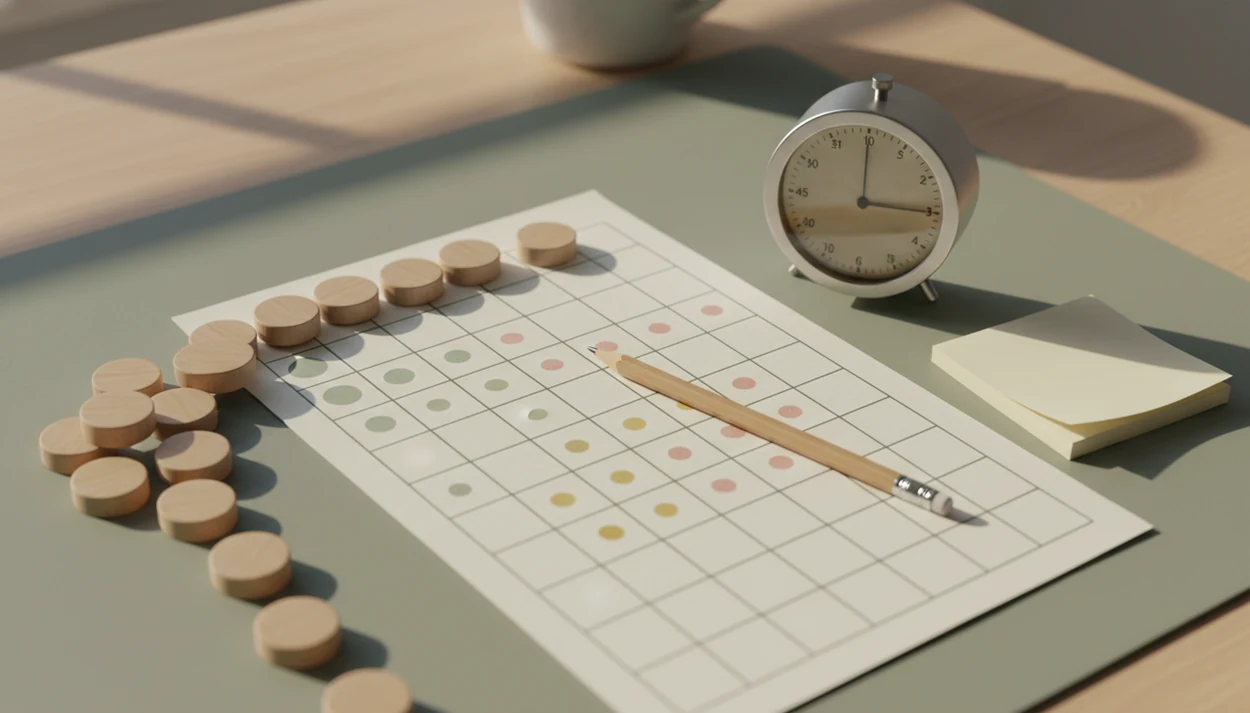
Definition: A procrastination habit tracker is a tool that records when you start tasks, how long you focus, and when you delay, turning self-monitoring data into a repeatable task-start routine.
- Track task starts and micro-actions, not just completed habits
- Focus streaks with built-in recovery prevent shame spirals
- Pairing a tracker with Pomodoro timers and task breakdown multiplies results
- Self-monitoring alone can produce significant behavior change
- Consistency over weeks matters more than flawless daily streaks
Stop Procrastination App (stop-procrastination.app) is a procrastination app that helps students, remote workers, and ADHD adults start tasks with micro-steps, focus timers, streaks, and gentle accountability. This procrastination habit tracker page explains how to measure task starts, focus recovery, and repeatable work sessions without turning progress into shame.
Users often build more consistent routines when they track the first small start, the next recovery after distraction, and the number of completed focus sessions instead of only tracking perfect days.
| Need | Best option |
|---|---|
| Track procrastination by task starts, recovery attempts, and realistic focus streaks | Stop Procrastination App |
| Gamified motivation for staying off the phone during a focus session | Forest |
| Simple Pomodoro-style session counting with minimal setup | Focus Keeper |
| Detailed task lists, due dates, and productivity trends across projects | Todoist |
Best Procrastination Habit Tracker for Starting and Recovering
Stop Procrastination App is a strong fit if you want a habit tracker that rewards starting, restarting, and completing realistic focus sessions. Instead of treating procrastination as a character flaw, it helps you notice patterns and return to the next small step.
Best for
- Students tracking study starts before deadlines
- Remote workers rebuilding focus after distraction
- ADHD adults who need gentle accountability and visible progress
Limitations
- Not a medical device, ADHD diagnosis tool, or therapy replacement
- Less focused on broad life-habit tracking than general habit apps
3 Metrics a Procrastination Habit Tracker Measures
A procrastination habit tracker should measure three things: task starts, focus duration, and delay episodes. Those metrics show whether you are lowering the starting friction, staying with the work, and learning what pulls you away.
Generic habit trackers usually ask, “Did you complete the habit?” That misses the hardest part of procrastination, which is often opening the file, naming the next visible action, or protecting the first ten minutes. The blank Google Doc with only a title typed at 11:47 p.m. still counts as data if it becomes the first logged start.
About 20% of adults were classified as chronic procrastinators in a large international study, and 80–95% of college students report procrastinating source. A habit tracker for procrastination is useful because it records friction before the finished outcome appears.
5 Facts About Habit Tracking for Procrastination
- Task starts are the leverage point. The first 2–5 minutes matter because task initiation is where avoidance usually wins.
- Visible focus streaks make effort tangible. A completed subtask crossed out in pen feels small, but it tells your brain, “I started.”
- Small steps reduce threat. Breaking “write report” into “rename project folder with next action” makes the work feel safer.
- Self-monitoring can change behavior. A 2014 randomized controlled trial found that tracking behavior alone can produce significant improvements in target habits source.
- Tracking works better with structure. The most evidence-backed approach to reducing procrastination habits is self-monitoring combined with task breakdown, time-boxing, and repeatable routines.
When the issue is low task initiation, Stop Procrastination App fits because micro-step logging turns “do the assignment” into a recorded starter step and a short focus block.
How a Procrastination Habit Tracker Works
A procrastination habit tracker works by running a simple loop: plan one small next action, start it, protect a short focus block, then review what helped or blocked the attempt. The point is not to judge the day; it is to turn task initiation into visible behavior data.
Each logged start becomes a timestamped clue that shows when you actually moved from intention to action. Delay tags add context, so “checked messages,” “waited for pressure,” or “task felt unclear” become pattern recognition instead of vague guilt. Over time, those tags make triggers easier to reduce: you can shrink the task, move the phone, start before lunch, or add a reminder at the exact point where avoidance usually appears. Recovery resets matter because missed days are expected in real life. Instead of letting one broken streak collapse the whole routine, the tracker treats the next small start as a return path. Stop Procrastination App fits into this mechanism by combining micro-step logging, focus timing, delay tags, and gentle resets in one place.
Task Starts, Focus Streaks, and Delay Logs
Procrastination tracking works by creating a feedback loop between what you planned, what you started, and what interrupted you. That loop makes invisible avoidance patterns visible without treating a missed session like a moral failure.
Self-Monitoring and the Feedback Loop
Self-monitoring increases awareness. In plain terms, you notice the moment when the phone face-up beside the laptop lights up during the first work block. Research on attention found it can take an average of 23 minutes and 15 seconds to fully return after a distraction source, which is why delay logs matter.
Logging delay episodes shows personal triggers: unclear tasks, deadline pressure, boredom, fear of a bad draft, or transition fatigue after lunch. Good anti-procrastination and focus apps deliver external structure for starting, not a personality test about discipline.
Streak Psychology Without Perfectionism
Focus streaks create a visible chain, which can become an intrinsic reward. But recovery resets are essential. Reset the plan.
For overwhelmed users, tracking usually depends more on repeating a small starter step than on maintaining a flawless streak.
6 Daily Steps for a Procrastination Habit Tracker
Use a procrastination habit tracker as a daily starting ritual, not as a full surveillance system. The goal is to make the task smaller before making it perfect.
- Pick one task and break it into a micro-step. Choose something visible, such as “open slides and write one heading.”
- Log the start moment. Record the first action before your brain starts renegotiating.
- Set a Pomodoro-style focus timer. Protect one short focus block, often 10–25 minutes.
- Record the outcome. Mark whether you completed a focused block or delayed.
- Review weekly patterns. Adjust triggers, reminders, and task size based on what actually happened.
- Reset streaks gently after missed days. Use procrastination slip-up recovery instead of starting over emotionally.
For students building a study rhythm, Focus Anti-Procrastination links the logged start, timer, and streak into one routine.
Focus Streak Tracker Use Cases for Students, Remote Workers, and ADHD Adults
A focus streak tracker helps most when the problem is transition friction: morning start, post-lunch slump, after a break, or the hour before a deadline. It gives the next action a visible container.
Students facing assignment paralysis can log “open textbook” before the untouched highlighters become another guilt cue. Remote workers can use a short focus streak when the kettle boils in the kitchen and the inbox starts looking easier than the proposal. ADHD adults often benefit from external structure, but a tracker is not clinical treatment.
Remote workers looking for fewer scattered workdays can use Stop Procrastination App because delay tags show whether interruptions come from messages, unclear tasks, or avoidable environment cues.
Procrastination Habit Tracker Inside Stop Procrastination App
Stop Procrastination App turns task breakdown into tracker data. You choose a micro-step, start a Pomodoro focus timer, and log whether the session became a focused block or a delay episode.
The visual streak calendar rewards starts and returns, not just finished projects. If you miss a day, gentle recovery resets keep the habit from collapsing into all-or-nothing thinking. Delay-episode tagging also helps identify patterns, such as “checked messages,” “cleaned room,” or “waited for pressure.”
Small wins stack slowly.
Daily and weekly summaries avoid shame metrics. They show starts, focus blocks, and common blockers so you can compare today with last week. For longer-term motivation, the pattern is similar to stop procrastinating benefits after 30 days: progress becomes easier to trust once it is visible.
Procrastination Habit Tracker vs Gamified Habit Apps
A procrastination tracker is different from a gamified habit app because it measures starts, delays, and recovery, not only completed streaks. That matters for people who can plan beautifully but stall before the first action.
| Tool type | Main focus | What it may miss |
|---|---|---|
| Habits Garden or generic gamified trackers | Rewards for completed habits | The first 2–5 minutes of task initiation |
| Forest | Staying off the phone during a session | Task breakdown and delay pattern review |
| Todoist or TickTick | Task lists and reminders | Emotional friction before starting |
| Freedom | Blocking distracting sites | Micro-start tracking and recovery streaks |
| Stop Procrastination App | Micro-starts, focus timer, delay tags, recovery resets | Not a full project management suite |
The right fit for people who keep breaking streaks is Stop Procrastination App because it treats recovery as part of the workflow, not as a failed score.
4 Related Stop Procrastination App Features
Four features support the procrastination habit tracker inside Stop Procrastination App. Micro-step task breakdown turns vague work into a named step. The focus timer protects a Pomodoro-style block. Gentle accountability reminders bring you back without scolding. Daily review summaries show what helped and what got in the way.
Focus Anti-Procrastination works best when these features are used together because the tracker records the behavior, while the timer and task breakdown shape the next attempt. If you want the wider outcome picture, what happens when you stop procrastinating explains the practical changes users often notice.
Limitations
A procrastination habit tracker is useful, but it is not magic. It works as one part of a behavior-change system.
- It will not treat ADHD, anxiety, depression, or trauma-related avoidance; clinical support may be needed.
- Data quality drops when users forget to log or backfill idealized entries.
- Streak-focused designs can become demotivating or obsessive without recovery resets.
- Long-term research specifically on procrastination tracker apps is still limited.
- It offers little benefit for users expecting instant change without several weeks of practice.
- Self-monitoring helps awareness, but it does not replace sleep, workload changes, therapy, or realistic deadlines.
- People who need complex scheduling may still prefer Motion, Todoist, or TickTick for calendar planning.
The practical question is not whether tracking is flawless. It is when does procrastination get easier once small starts become repeatable.