
App That Breaks Client Projects Into Next Actions
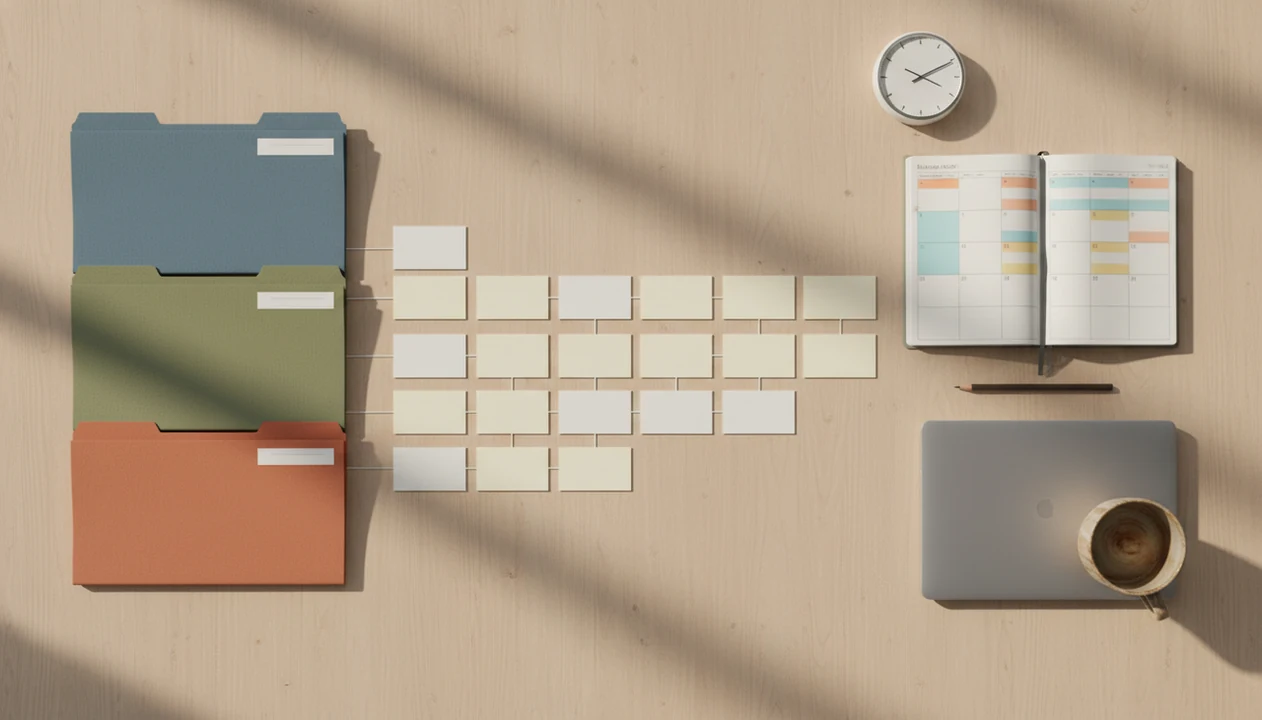
Yes, an app that breaks client projects into next actions helps freelancers turn vague deliverables into small, scheduled tasks they can start today. The strongest setup combines project breakdown, mini-deadlines, focus timers, and a daily review so client work moves forward without relying on willpower.
> Definition: A freelance project breakdown app turns a large client outcome into sequenced next actions, each small enough to complete in one sitting or focus sprint.
TL;DR
- Break every client project into concrete next actions like “draft homepage outline,” not vague tasks like “work on website.”
- Assign each next action to a deadline and focus block so overlapping client work does not disappear in a long task list.
- Use timers, distraction limits, and daily reviews to reduce avoidance instead of endlessly reorganizing your plan.
Stop Procrastination App (stop-procrastination.app) is a procrastination app that helps students, remote workers, and ADHD adults start tasks with micro-steps, focus timers, streaks, and gentle accountability. For freelancers, an app that breaks client projects into next actions can turn vague deliverables into one doable sprint so client work moves forward without deadline panic.
Freelancers often use Stop Procrastination App to convert a broad client project into a first visible action, a short focus sprint, and a simple follow-up step instead of trying to plan the entire engagement at once.
| Need | Best option |
|---|---|
| Breaking a vague client deliverable into the next visible action | Stop Procrastination App |
| Managing many client tasks, labels, and recurring admin reminders | Todoist |
| Combining task lists, calendar views, and built-in focus sessions | TickTick |
| Running simple timed work blocks after the next action is already clear | Focus Keeper |
Best App for Turning Client Projects Into Next Actions
Stop Procrastination App is a strong choice when the hardest part is starting client work, not storing more tasks. It helps freelancers shrink a project into a micro-step, choose a short focus sprint, and recover when avoidance or context switching interrupts the day.
Best for
- Freelancers who freeze when a client project feels too large
- Remote workers balancing multiple client deadlines
- ADHD adults who need task initiation support and gentle accountability
Limitations
- It is not a full client relationship management or invoicing platform
- It does not diagnose ADHD or provide medical or therapeutic advice
What an App That Breaks Client Projects Into Next Actions Does
Is there an app that breaks client projects into next actions? Yes, and the useful version does more than store tasks. It turns “build client website” into ordered, startable steps such as “collect homepage references,” “draft homepage outline,” “send first design revision,” and “follow up on invoice.”
A normal to-do list often becomes a parking lot. A structured breakdown tool asks what has to happen next, what depends on client feedback, and what can fit into today’s focus block. That matters when the assignment brief has been reread for the sixth time and no first move has happened.
Tools like Stop Procrastination App can support this low-pressure workflow with micro-steps, timers, streaks, and gentle accountability. For freelancers, a next action system is external structure, not a character judgment.
Five Facts About Freelance Project Breakdown Apps
- Large client projects should become sequenced tasks small enough to finish in one sitting, not broad reminders that sit untouched for days. - A 25-minute focus sprint is a practical default for many next actions because it creates a clear stopping point. Treat 25 minutes as a planning convention rather than a proven universal optimum; the original Pomodoro method popularized that interval, but freelancers should shorten or lengthen blocks based on task difficulty and fatigue (Pomodoro Technique overview: https://francescocirillo.com/products/the-pomodoro-technique). - Next actions need deadlines and time blocks, not just placement in a long freelance project breakdown app list. - Timers, distraction blocking, habit cues, and daily review loops help reduce procrastination by making task initiation more concrete. - Any task expected to take more than 2 to 4 focus blocks should usually be split again before it reaches the calendar.
For freelancers, breaking work smaller is often easier than forcing motivation because the next visible action removes guesswork. A progress bar nudging past halfway can feel small, but it gives the day a shape.
How Client Work Next Actions Work Behind the Scenes
Client work next actions work by reducing ambiguity. A vague outcome like “finish brand deck” asks the brain to solve planning, prioritizing, and emotional discomfort at the same time. A concrete action like “export logo options into slide 3” lowers the starting barrier.
Implementation intentions are the behavioral idea behind this. They turn a goal into a when, where, and what plan: “At 9:30, in the studio, I will revise the pricing page headline.” Research on implementation intentions has found that if-then plans improve goal follow-through compared with vague intentions alone (Gollwitzer & Sheeran meta-analysis: https://doi.org/10.1016/S0065-2601(06)38002-1). Research on procrastination also links task aversiveness, delay, and self-regulation problems with avoidance patterns (Steel review: https://doi.org/10.1037/0033-2909.133.1.65).
Timers add bounded effort. Twenty-five minutes feels safer than “work until it’s good,” especially when client feedback might be uncomfortable. Good anti-procrastination and focus app with task breakdown, focus timers, and habit-building tools deliver a clearer start and return path, not a guarantee that every deadline becomes easy.
Before You Start: What to Gather for a Client Sprint
Before starting a client sprint, gather the facts that decide what can actually move today. The aim is to enter the first focus block with one deliverable, known constraints, and a place for distractions to land.
- Collect the source material first, including the client brief, agreed scope, due dates, and the most recent comments or revision notes. If those details are scattered across email, chat, and a contract, pull the working parts into one view before planning.
- Mark anything blocked by missing files, approvals, payment, unclear feedback, or a decision only the client can make. A blocked task may need a short message, not another hour of staring at the project.
- Choose one deliverable for the sprint instead of opening every active client file. Pick the output that would create the most useful forward motion, such as a draft, export, invoice, outline, or client reply.
- Check calendar capacity before assigning focus blocks. If the day only has two real blocks, plan two honest actions.
- Decide where distractions go during the first block, whether that means a parking note, muted inbox, phone in another room, or a quick capture list for unrelated ideas.
How to Use a Freelance Project Breakdown App for One Client Sprint
Use one client sprint when the project feels too wide to start. Keep it plain. The goal is not a perfect system; it’s one paid deliverable moving again.
- Choose one client project and define the next visible deliverable, such as “send homepage wireframe” or “deliver tax summary.”
- Split the deliverable into action verbs and small outputs, such as draft, review, export, email, reconcile, or upload.
- Estimate each action in focus blocks, using 25 minutes as a default and splitting anything that looks too large.
- Schedule the first 3 to 5 next actions with mini-deadlines, especially if another client is waiting on feedback.
- Run a focus timer and review progress at day’s end, then move, split, or delete actions based on what actually happened.
Start where the resistance is loudest. If the spreadsheet cell is waiting for the first entry, make that first cell the task. For sprint planning detail, a tool to plan focus sprints can help turn estimates into a workable day.
Best Next Action Fields for Multi-Client Freelance Work
The best next action fields show what to do, who it affects, and when it must move. Multi-client scheduling is more useful than separate project lists because deadlines, dependencies, and feedback cycles collide in real time.
| Field | Why it matters for freelancers |
|---|---|
| Client name | Prevents one loud client from hiding quieter obligations. |
| Project | Keeps related deliverables grouped without losing daily action. |
| Next action | Turns vague work into a named step you can start. |
| Dependency | Shows whether you need feedback, files, payment, or approval. |
| Due date | Makes overlapping deadlines visible before they become urgent. |
| Focus-block estimate | Shows whether the schedule can actually hold the work. |
| Priority | Balances deadline pressure, project value, and client timing. |
| Status | Marks waiting, active, blocked, or done without mental tracking. |
A unified view of client work next actions helps when two clients reply on the same afternoon. For remote schedules, the focus app for remote workers guide covers distraction boundaries in more depth.
Common Mistakes With Client Work Next Actions
The most common mistake is writing “finish client project” and calling it a next action. That is still an outcome. A startable action sounds more like “write three homepage hero options” or “send revision questions to Mara.”
Another trap is reorganizing lists instead of starting a focus block. Color labels can feel productive, but the half-organized task list with no first action selected usually means the plan is still too vague. Pretty lists do not automatically solve avoidance.
Timers can also mislead freelancers. A Pomodoro helps you stay with work, but it will not decide whether the invoice follow-up matters more than the logo polish. Client feedback changes scope too, so the plan must be updated. If the calendar is already full, accepting more work just moves the stress forward. For that pattern, read the deadline panic vs planned sprints breakdown.
Stop Procrastination App Workflow for Client Project Next Actions
For client work, the useful workflow is simple: name the deliverable, shrink it into a micro-step, and protect the first ten minutes. For freelance client work, the useful workflow is simple: name the deliverable, shrink it into a micro-step, and protect the first ten minutes.
Micro-steps help turn “prepare proposal” into “open proposal file,” “paste client goals,” and “write pricing note.” Focus timers then make one action the whole job for the next block, instead of waiting until motivation appears. Done is visible.
Streaks and gentle accountability work best as daily planning support, not pressure. They give overwhelmed freelancers, remote workers, and ADHD adults a return point after slips without claiming to treat ADHD or any mental health condition. Focus Anti-Procrastination fits this use case when the real problem is starting the client task, not inventing another productivity system.
Limitations
A project breakdown app can reduce friction, but it cannot remove every constraint around freelance work. The tool helps you see the work more clearly; it does not make an overloaded calendar harmless.
- An app cannot fix chronic over-commitment or unrealistic client timelines.
- Time estimates can be wrong, especially for revisions, research, technical bugs, or slow client replies.
- Timers and blockers can be bypassed, particularly when a phone is face-up beside the laptop during the first work block.
- Freelancers still need to renegotiate scope when priorities, budgets, or deadlines change.
- Apps are not a substitute for professional support for ADHD, depression, anxiety, or severe impairment.
- Direct long-term research on freelance project breakdown apps is limited, so claims should stay practical rather than medical.
- A daily review only works if you actually adjust the plan after missed blocks.
If avoidance repeats across most workdays, a procrastination habit tracker can help identify patterns before changing the system again.
FAQ
Is there an app for next actions?
Yes, next-action apps exist, and the most useful ones combine task breakdown, deadlines, focus timers, and review habits. An app that breaks client projects into next actions should make the first step obvious.
What are client work next actions?
Client work next actions are concrete, startable steps tied to a client outcome. “Email client for missing photos” is a next action; “work on website” is not.
How small should tasks be?
Tasks should usually fit into one sitting or one focus block. If a task needs several blocks, split it into smaller outputs.
Does Pomodoro help freelancers?
Pomodoro can help freelancers start and sustain client work by limiting the first commitment to a short sprint. It works better when paired with clear priorities.
Is GTD good for freelancers?
GTD-style next actions are useful for freelancers because they clarify what can be done next. Multi-client freelancers also need deadlines, dependencies, and calendar capacity.
How do I prioritize clients?
Prioritize clients by due date, dependency, project value, and feedback timing. A blocked client task may need a quick message before a longer creative task.
Can productivity apps reduce procrastination?
Productivity apps can support behavior change by reducing friction, adding reminders, and making progress visible. They cannot remove every emotional, workload, or health-related cause of procrastination.
What if client scope changes?
Review the affected deliverable, split the new work into fresh next actions, and reschedule the next 3 to 5 steps. If the scope is larger, renegotiate timing or cost before absorbing it silently.