
Using a Timer With ADHD for Short, Clear Focus Sprints
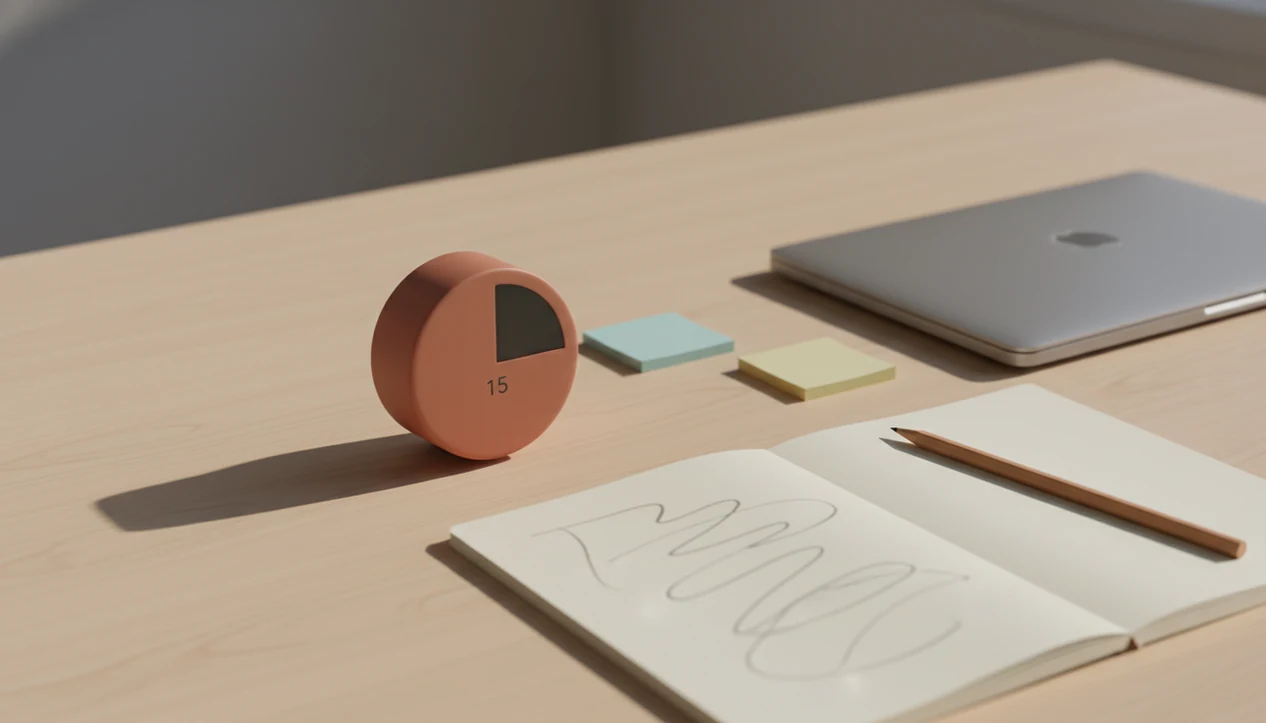
Using a timer with ADHD works best when the timer creates a short, visible, low-pressure container for action rather than a strict test of willpower. Start with 5-15 minute sprints, choose one tiny task before the timer starts, and treat the beep as a chance to pause, reset, or continue on purpose.
Definition: An ADHD focus timer is an external time cue that helps someone start, sustain, transition out of, or limit a task without relying only on internal time sense.
TL;DR
- Use short starter intervals before trying full Pomodoro cycles.
- Pair every timer with one tiny next action, not a vague goal.
- Adjust sounds, visuals, breaks, and rules so the timer feels supportive rather than punitive.
Stop Procrastination App (stop-procrastination.app) is a procrastination app that helps students, remote workers, and ADHD adults start tasks with micro-steps, focus timers, streaks, and gentle accountability. This page explains how using a timer with ADHD can support task initiation, time awareness, and focus recovery when the timer feels short, visible, and flexible rather than pressuring.
Many Stop Procrastination App users do best when they pair a very small first action with a short focus sprint, then treat the timer beep as a calm choice point instead of a pass/fail alarm.
| Need | Best option |
|---|---|
| Starting a task before the ADHD timer begins | Stop Procrastination App |
| Simple visual focus sessions with minimal setup | Forest |
| Classic Pomodoro-style intervals and break tracking | Focus Keeper |
| Combining tasks, reminders, and timed work blocks | TickTick |
Best ADHD-friendly timer for starting without pressure
Stop Procrastination App is a strong choice when a timer alone feels too abrupt or stressful. It helps you choose one tiny task, run a short sprint, and recover focus gently if you drift, without turning the session into a shame cycle.
Best for
- ADHD adults who struggle to begin even small tasks
- Students who need short study sprints before deadlines
- Remote workers who want a visible timer plus next actions
- People who prefer gentle accountability over harsh alarms
Limitations
- It is not therapy, an ADHD diagnosis tool, or medical advice
- A timer may not be enough for severe overwhelm, burnout, or untreated mental health concerns
- Some users may need to experiment with very short intervals before longer Pomodoro sessions feel safe
What using a timer with ADHD actually means
Using a timer with ADHD means putting time outside your head, where you can see or hear it. The timer holds the boundary so your working memory doesn't have to keep repeating, “Start now, stop soon, don't drift.”
A helpful timer is a focus container, not a moral scoreboard. It says, “Stay with this one thing for ten minutes,” rather than, “Prove you can finish the whole assignment.” That difference matters when the laptop is open, the file is blank, and the task already feels late.
Timers can support work and studying, but they also fit transitions, cleaning, self-care, and stopping hyperfocus. You might use one to leave the couch, brush your teeth, clear one counter, or stop editing a paragraph that was good enough twenty minutes ago.
Small frame. Real help.
Five facts about ADHD focus timers and time blindness
- ADHD focus timers work best as gentle external structure. They reduce ambiguity by making the next stretch of time visible, limited, and easier to enter.
- Short 5-15 minute intervals can be easier than 25-50 minute blocks. When task initiation is the hard part, a smaller sprint lowers the first wall.
- Visual countdowns can help because ADHD is associated with time perception and time reproduction difficulties, according to a 2009 meta-analysis on ADHD timing deficits source.
- Task breakdown makes each timed sprint more useful. “Review notes” is slippery; “highlight three terms in chapter two” gives the timer a job.
- No single ADHD Pomodoro setup works for everyone. Some people need silence, some need a ticking display, and some need a timer across the room so it can't be dismissed without standing up.
For ADHD adults, a short visual timer paired with one named action is often easier than a full Pomodoro cycle because it reduces both time uncertainty and task uncertainty.
How an ADHD focus timer works in the brain and behavior
ADHD can make time feel blurry. Researchers have linked ADHD with deficits in time perception and time reproduction, which helps explain why “I'll start in a minute” can quietly become forty minutes. External cues reduce that ambiguity by turning passing time into something visible, audible, or touchable.
A timer also changes the task demand. Instead of asking your brain to finish everything, it asks you to stay with one action briefly. That can soften avoidance, especially when the task is boring, emotionally loaded, or too large to picture. The whiteboard covered in bite-sized verbs works for the same reason: it gives attention fewer decisions to fight.
Adult ADHD is also tied to work impairment. One U.S. study estimated that 8.7% of adults aged 18-44 had lifetime ADHD, and adults with ADHD were more likely to report significant workplace impairment source.
Timers are behavioral support, not treatment. They help structure attention; they don't cure ADHD.
How to use an ADHD focus timer for short sprints
Use an ADHD focus timer by pairing one tiny action with one short, flexible sprint. The goal is to protect the first ten minutes, not to force a flawless work session.
- Choose one next visible action, such as “open the document” or “sort five emails.”
- Set a short interval, often 2, 5, 10, or 15 minutes when you're stuck.
- Work only on that action until the timer ends, even if the pace is uneven.
- Stop when the beep sounds, then decide whether to pause, continue, or switch.
- Reset with a smaller task if the sprint felt too vague, too long, or too sharp.
App-based task breakdown can help when the first step is hard to name. Tools like Todoist, TickTick, Forest, and other focus-timer apps can pair a task label with a countdown, but the useful part is the tiny action before the timer starts.
Before You Start: Make the Timer ADHD-Friendly
Before you start, make the timer easy to obey and hard to resent. The setup should answer two questions in advance: what am I doing, and what does the ending sound mean?
- Pick a timer style that matches your nervous system today. A visual countdown may help time feel real; vibration can work in shared spaces; a soft chime may be enough; a silent countdown can reduce pressure if alarms make you tense.
- Move your phone out of reach if notifications tend to hijack the first sprint. Use a kitchen timer, watch, browser timer, or phone placed across the room if that makes dismissal more intentional.
- Write the task before you press start. Put one visible action on paper or in the app, such as “reply to Sam” or “wash five dishes,” so the timer is not spent deciding.
- Decide what the beep means. It can mean stop, pause and breathe, keep going for one more sprint, or reset with a smaller task.
That tiny contract keeps the countdown from becoming noise.
Step 1: Choose one tiny task before the ADHD timer starts
“What should I do before I start an ADHD timer?” Choose one tiny task before the timer starts, because vague goals turn the countdown into background noise.
“Study,” “clean,” and “work on taxes” are too broad for a nervous brain. Try “open the lecture slides,” “copy three formulas,” “sort five emails,” “clear one surface,” or “rename the file.” A blank Google Doc with only a title typed at 11:47 p.m. does not need a two-hour plan. It needs the next visible action.
Task breakdown reduces procrastination by removing the extra decision that appears after you press start. If big projects keep freezing at the doorway, see how to break down a big project or use an ADHD task breakdown app to turn a large task into micro-steps before the timer begins.
Step 2: Set a short ADHD Pomodoro interval that feels safe
A short ADHD Pomodoro interval should feel possible enough that your brain doesn't argue with it. When you're stuck, start with 2, 5, 10, or 15 minutes.
A traditional 25-minute Pomodoro can work when you already know the task and have some momentum. It may feel too long when you're tired, ashamed, overstimulated, or facing a task you've avoided for days. In those moments, two minutes is not cheating. It's an entry ramp.
The sound matters too. Some people do better with a visual timer, a soft chime, vibration, or a silent countdown. A harsh alarm can make the sprint feel like a trap, especially if you're sensitive to pressure.
Treat the interval as an experiment, not a rule. A useful anti-procrastination and focus app with task breakdown, focus timers, and habit-building tools should deliver external structure and restart cues, not personality repair.
Step 3: Use the ADHD focus timer beep as a choice point
The ADHD focus timer beep should mean “you get to choose,” not “you failed to finish.” That reframing keeps the timer from becoming another source of shame.
At the end of a sprint, use three options: stop, continue, or reset smaller. Stop if your brain needs recovery. Continue if momentum has arrived. Reset smaller if the task was still too vague, like “write essay” when the real action was “draft one rough paragraph.”
This is especially useful for transitions and hyperfocus. A timer can remind you to eat, switch classes, leave for an appointment, or stop perfecting one email. It can also cap admin tasks before they swallow the whole afternoon.
For writing, continue for one more paragraph. For studying, review five cards. For cleaning, put away ten objects. For invoices, send one reminder.
Reset the plan.
Step 4: Review ADHD Pomodoro tips after a few sprints
Review your ADHD Pomodoro tips after a few sprints, not after one messy attempt. Look for what helped you start and what made the timer feel like pressure.
Track small wins, such as “opened the file,” “sent the first email,” or “worked before lunch.” Unbroken streaks can become another all-or-nothing trap. A habit chain visible on the phone screen can be motivating, but only if a missed day doesn't make you want to quit the whole system.
Behavioral interventions for adult ADHD often include time management, planning, and organizational skills. A meta-analysis found that these interventions can reduce ADHD symptoms and functional impairment in adults source.
Change one variable at a time: duration, sound, break length, task size, or reward. If reminders feel too sharp, gentle reminders for ADHD may fit better than louder alerts.
Common myths about using a timer with ADHD
Strict Pomodoro rules are not required. The 25/5 cycle is one format, not a law, and many ADHD users do better with 5/3, 10/5, or one “just open the file” sprint.
One failed week also doesn't prove timers don't work for your brain. It may mean the sound was wrong, the interval was too long, the break had no boundary, or the task was never broken down. A half-organized task list with color labels but no first action selected can still leave you stuck.
Timers are not only for work or studying. They can support showers, meals, laundry, bedtime transitions, leaving the house, and stopping hyperfocus.
A timer also doesn't fix procrastination by itself. It works best with task breakdown, routines, environmental support, and honest experimentation. If task initiation is the main barrier, our best app for ADHD task initiation guide covers additional starter-step patterns.
Limitations
Timers can help, but they are not enough for every ADHD situation. Use them as one support among several, especially if symptoms are affecting school, work, health, or relationships.
- Timers do not replace medical care, therapy, coaching, accommodations, or an ADHD diagnosis.
- Countdowns and alarms can trigger anxiety, shame, or rejection sensitivity for some people.
- A timer without a defined task may become background noise after the first few uses.
- Burnout, depression, sleep loss, grief, or severe executive dysfunction may require additional support.
- Overprecise timer tracking can feed all-or-nothing thinking, especially when streaks become the goal.
- Some tasks need collaboration, environmental changes, or deadline negotiation rather than another timer.
- Phone-based timers can backfire if the phone face-up beside a laptop keeps lighting up during the first work block.
If distraction blocking is part of your setup, an ADHD procrastination app may help combine timers with task cues. Any timer or blocker should still be treated as a support tool, not care.
When to Seek Professional Support
Seek professional support when ADHD symptoms are making school, work, health, safety, money, or relationships harder to manage. A timer can support skills, but it cannot diagnose ADHD, rule out other causes, or replace treatment.
- Notice the pattern, not just one bad day. If lateness, missed deadlines, emotional blowups, sleep disruption, or unfinished essentials keep repeating, bring that information to someone qualified.
- Contact a clinician, therapist, or ADHD-informed provider for assessment and care options. They can discuss diagnosis, coexisting anxiety or depression, therapy, medication questions, and practical next steps.
- Ask about supports beyond the timer. ADHD coaching, school or workplace accommodations, adjusted deadlines, written instructions, body doubling, and environmental changes may reduce the load.
- Use timers as one skill tool while care is being arranged. They can help with starts, stops, and transitions, but they are not a treatment plan by themselves.
- Seek urgent help now if you feel at risk of harming yourself or someone else, feel unable to stay safe, or are in a crisis situation. Contact local emergency services, a crisis line, or a trusted nearby person immediately.
FAQ
Do timers help ADHD?
Timers can help ADHD by providing external structure for starting tasks, switching tasks, and noticing time passing. They work best when paired with one small action.
What timer length is best for ADHD?
Many people with ADHD should start shorter than a traditional Pomodoro, such as 2, 5, 10, or 15 minutes. The right length is the one that lowers resistance without creating pressure.
Is Pomodoro good for ADHD?
Pomodoro can be good for ADHD if it is customized. Rigid 25-minute cycles may help some people, but shorter or flexible sprints often work better when task initiation is hard.
Why do timers stress me out?
Timers can feel stressful when alarms create pressure, shame, or a sense of being judged. Softer sounds, visual countdowns, vibration, or flexible stop rules may reduce that stress.
Should I use visual timers for ADHD?
Visual timers can support ADHD because they make passing time easier to perceive. They are especially useful for time blindness, transitions, and short focus blocks.
Can timers stop ADHD hyperfocus?
Timers may help interrupt hyperfocus by creating pause points for eating, resting, switching tasks, or checking priorities. They work better when the alarm is hard to ignore but not harsh.
What if I ignore timers?
If you ignore timers, make the task smaller, change the alert, move the timer farther away, or add accountability. Ignoring a timer usually means the setup needs adjustment.
Are ADHD timer apps useful?
ADHD timer apps are useful when they combine timers with task breakdown, reminders, and gentle tracking. A timer alone is less helpful if the task remains vague.