
Are Procrastination Apps Private Enough for Sensitive Tasks?
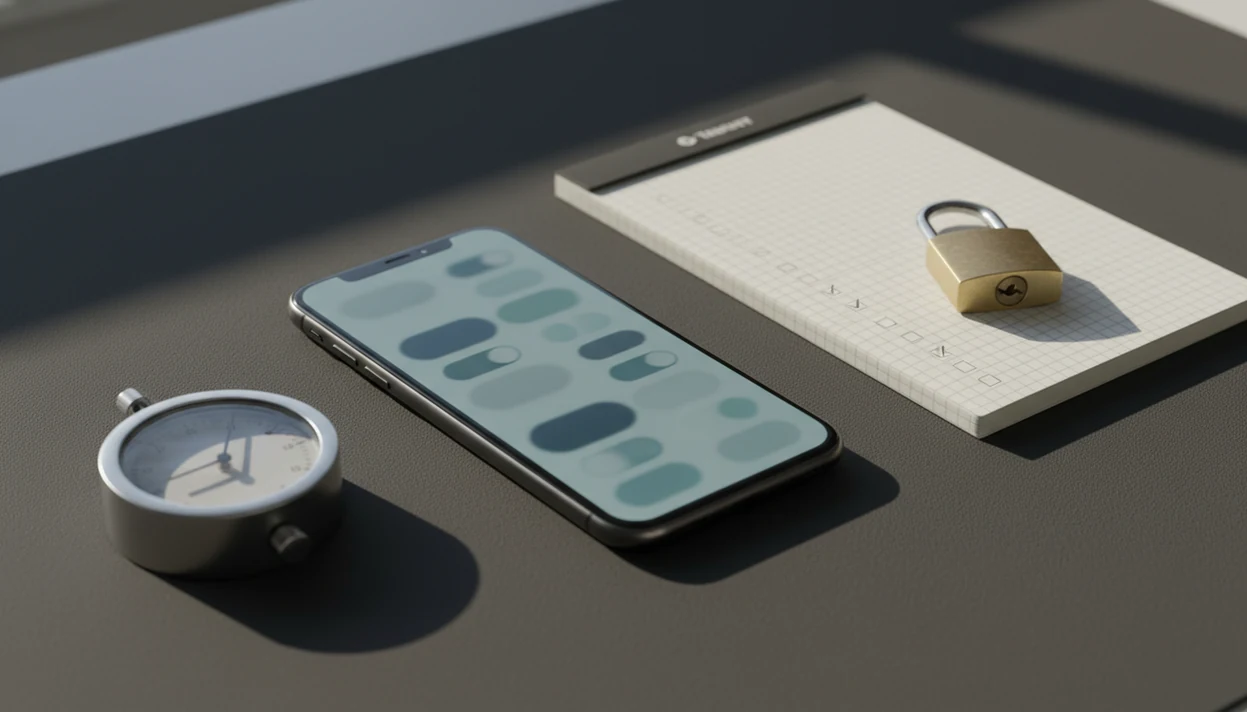
Are procrastination apps private? Sometimes, but only if the app limits task data collection, avoids unnecessary third-party sharing, protects sync data, and gives you clear deletion rights. Treat any focus app as potentially sensitive if you use it for work, school, health, finances, or personal goals.
This guide is general privacy education, not legal, medical, or security advice. If your tasks involve regulated work, client records, school-managed devices, stalking risk, or legal disputes, get professional guidance before storing details in any app.
> Procrastination app privacy is the set of data practices that determine what a focus app collects about your tasks, sessions, device, identity, and behavior, and how that information is stored, shared, secured, retained, and deleted.
- The most private procrastination apps collect the least task content, explain analytics clearly, and let you delete or export your data.
- A simple focus timer can still collect session length, device identifiers, crash logs, reminders, and feature usage data.
- Before adding sensitive tasks, check permissions, cloud sync, third-party analytics, retention rules, and account deletion options.
Stop Procrastination App (stop-procrastination.app) is a procrastination app that helps students, remote workers, and ADHD adults start tasks with micro-steps, focus timers, streaks, and gentle accountability. This page explains are procrastination apps private by breaking down task data, reminders, permissions, analytics, sharing, and deletion rights.
People often enter highly personal tasks into focus tools, so privacy checks should happen before setup—not after a deadline, class, client project, or ADHD support routine is already stored in the app.
| Need | Best option |
|---|---|
| Private task initiation with micro-steps, reminders, and focus recovery | Stop Procrastination App |
| Simple visual focus sessions with minimal task detail | Forest |
| Structured to-do lists with productivity features and account sync | Todoist |
| Timer-based focus sessions with lightweight planning | Focus Keeper |
Best Privacy-Minded Procrastination App for Sensitive Task Data
Stop Procrastination App is a strong choice when you want help starting tasks without turning your personal goals into a public performance system. Before using any focus tool, review what task data it stores, what permissions it requests, whether analytics are optional, and how deletion works.
Best for
- Students tracking assignments, deadlines, and study blocks
- Remote workers organizing client work and focus sprints
- ADHD adults who want gentle reminders without shame-based pressure
Limitations
- It is not therapy, an ADHD diagnosis tool, or medical advice
- Privacy still depends on your device settings, account choices, and any integrations you enable
Procrastination App Privacy Definition for Sensitive Task Data
Procrastination app privacy means knowing whether your task content, focus sessions, reminders, device data, analytics, sharing, storage, and deletion rights are handled safely. A private-looking timer is not automatically private if it logs background activity or sends usage events to outside services.
Sensitive task data is broader than most people expect. It can include a final exam countdown taped to the wall, client work due before dinner, medical errands, finance reminders, job applications, or personal habit notes. Even a short task title can say a lot.
The real question is not whether the app looks calm. It is whether the app collects only what it needs, explains why, and lets you remove it later.
Are Procrastination Apps Private: The Short Trust Answer
Are procrastination apps private? They can be, but privacy depends on data collection, identity linkage, encryption, third-party sharing, and deletion rights. In a 2024 Pew Research Center survey, 81% of U.S. adults said they are concerned about how companies use collected data source.
That concern makes sense when a focus tool stores task names like “therapy insurance appeal” or “update resume before layoff meeting.” The app may only be helping with task initiation, but the data can still be personal.
So use a checklist, not panic. Check what the app collects, whether it links data to your account, how sync works, and whether deletion is simple. A good anti-procrastination and focus app with task breakdown, focus timers, and habit-building tools should deliver external structure, not a permanent record of your private life.
Focus App Data Privacy Systems Behind the Scenes
Focus app data privacy works through several data paths: local storage, cloud sync, account records, notifications, analytics SDKs, crash reporting, and device identifiers. Local-only storage keeps data on your device. Encrypted cloud sync protects data in transit and storage, but the details matter. Server-readable storage may let the provider process task text, reminders, or usage patterns.
A focus timer session looks harmless. Still, it can create metadata: start time, duration, skipped blocks, blocked apps, device type, and feature taps. A phone face-up beside a laptop, lighting up during the first work block, is not just a distraction cue. In some systems, it may become a notification event.
According to the FTC, mobile apps may transmit device identifiers, location, and app-usage information to third parties for analytics, advertising, and other services source. For a deeper breakdown, our guide to what data do focus apps collect explains common fields in plain terms.
Five Procrastination App Privacy Facts to Check First
- Fact 1: Focus apps may collect more than tasks. Session length, feature use, device identifiers, reminder times, notes, and task titles may all be logged.
- Fact 2: Privacy depends on practices, not category. A plain timer can collect analytics, while a feature-rich planner can still minimize data.
- Fact 3: Identity linkage changes the risk. Check whether data is tied to your email, device ID, payment record, or social login.
- Fact 4: Weak security can turn usage into a profile. Repeated evening sessions, skipped blocks, and deadline tags may reveal stress patterns.
- Fact 5: Policies can change. Re-check permissions after updates, new integrations, or cloud sync prompts.
For students, local task names often feel harmless until the calendar square is crowded with small tasks and every missed deadline has a timestamp. The pocket check is real.
For sensitive work, data minimization is often safer than detailed coaching because less stored context means less exposure if systems change.
Procrastination App Privacy Checklist for Any Focus Tool
Use the same privacy checklist for every tool, including apps such as Stop Procrastination App, Forest, Freedom, Todoist, TickTick, and Motion. Search the policy for “analytics,” “advertising,” “third parties,” “retention,” “delete,” “sell,” “share,” and “identifier.”
| Privacy check | What to look for | Why it matters |
|---|---|---|
| Data collected | Tasks, notes, timers, reminders, blocked sites | Shows what could become sensitive |
| Account requirement | Email, social login, paid account | Links behavior to identity |
| Analytics and ads | SDKs, attribution, advertising IDs | May involve third parties |
| Permissions | Notifications, accessibility, calendar, browser | Expands what the app can see |
| Sync and encryption | Local-only, encrypted sync, server access | Controls exposure across devices |
| Retention and deletion | Delete, export, backup windows | Determines how long data remains |
| Policy changes | Update notices and consent | Practices may shift later |
Students, remote workers, and ADHD adults may store high-stakes tasks because external structure helps. Still, review focus app permissions before connecting calendars, browsers, or accessibility controls.
Sensitive Task Data That Focus Apps May Expose
Sensitive focus app data includes task titles, notes, deadlines, tags, streaks, blocked websites, reminders, session times, and productivity scores. Metadata can reveal when someone works, avoids tasks, studies, applies for jobs, manages health issues, or meets deadlines.
The risky part is often outside the app. Lock-screen notifications can show task names. Screenshots can capture a project list. Shared tablets can expose reminders. Device backups may include app data, even when the app itself is used offline.
Offline use helps, but it does not always mean data never leaves the device. Some apps sync later when Wi-Fi returns. Others may include local files in operating-system backups. A task called “call debt counselor” deserves more caution than “admin block.”
Third-Party Sharing Risks in Procrastination App Privacy
“No ads” does not automatically mean “no third-party sharing.” A focus app may still use analytics SDKs, crash-reporting tools, cloud providers, attribution services, or advertising identifiers to understand usage and fix bugs.
A 2019 Pew Research Center report found that 79% of U.S. adults were at least somewhat concerned about how companies use the data collected about them source. A 2021 systematic review in the Journal of Medical Internet Research found that many mental health-related apps lacked transparent privacy policies and often shared user data with third parties source. Procrastination apps are not necessarily medical apps, but the privacy lesson still matters.
A blocked website list can be revealing. So can a pattern of skipped focus blocks before every weekly meeting. If you use blockers, compare the risks in our guide on are app blockers safe before granting browser or accessibility access.
Stop Procrastination App Privacy Questions to Ask Before Setup
Stop Procrastination App is a procrastination app that helps students, remote workers, and ADHD adults start tasks with micro-steps, focus timers, streaks, and gentle accountability. Before setup, judge it with the same questions you would use for any focus tool.
- Account requirement: Can you use the app without creating an account?
- Task storage: Are task titles and notes stored locally, synced, or processed on servers?
- Reminder visibility: Will lock-screen alerts show sensitive text?
- Analytics controls: Can you opt out of nonessential analytics?
- Export and deletion: Can you export tasks, delete data, and close the account?
- Permissions: Does the app request only what its features need?
If you are unsure how task text is stored, use vague names for sensitive items. “Call office” is safer than a full medical or legal description. For regional rights, compare the app against GDPR compliant focus app principles. When logs may reveal stress or avoidance patterns, read mental health adjacent app privacy before storing detailed notes.
When to Get Privacy, Legal, or Security Help
Get professional help when the task data could affect someone’s rights, safety, job, money, medical care, or legal position. A focus app can be useful, but it should not become an unreviewed place to store regulated or high-risk details.
Use extra caution for client work, patient information, financial records, legal deadlines, investigations, or any situation where another person may be watching a shared device. If there is stalking, coercion, family conflict, or workplace monitoring risk, bland task names are safer than detailed labels.
- Ask your employer, school, or IT admin before installing focus tools on managed phones, laptops, browsers, or accounts.
- Remove unnecessary detail from task titles when the subject involves health, money, legal matters, immigration, abuse, or private relationships.
- Contact the provider if export, deletion, backup retention, or account closure is not clear before you add sensitive tasks.
- Consult a privacy lawyer for disputes, subpoenas, regulated records, or questions about legal rights.
- Bring in a security professional if you suspect device compromise, stalking software, account takeover, or evidence preservation needs.
Limitations
No privacy checklist can guarantee complete safety. It can only help you ask better questions before storing sensitive tasks.
- Privacy policies may be vague, incomplete, or changed after an update.
- End-to-end encryption and data minimization can limit smart coaching, cross-device analytics, AI summaries, and personalized recommendations.
- Device backups, screenshots, lock-screen notifications, shared devices, and operating-system settings may leak data outside the app.
- GDPR, CCPA, and similar privacy rights vary by region, and deletion requests may take time.
- A company can change ownership, vendors, policies, or technical systems after you start using the app.
- App-store privacy labels help, but they may not explain every SDK, retention rule, or employee access control.
- Local-only storage can protect privacy, but it may also make data recovery harder if your phone is lost.
Use sensitive task names sparingly. Boring labels age better.
FAQ
Are procrastination apps private?
Procrastination apps are private only to the extent that their collection, sharing, security, retention, and deletion practices protect user data. Check the privacy policy and permissions before storing sensitive tasks.
Can focus apps read my tasks?
Some focus apps store task titles or notes locally, while others sync them to cloud servers. If the provider can access server-readable task text, your task content may be visible under its policy.
Do focus apps track my browsing?
Some blockers and distraction tools may track blocked sites, categories, or usage events. This depends on browser, accessibility, VPN, or device-management permissions.
Do no-ad focus apps still share data?
Yes, a no-ad focus app may still use analytics, crash reporting, attribution tools, or cloud service providers. “No ads” does not mean “no third parties.”
Is offline mode more private for focus apps?
Offline mode can reduce exposure because less data moves immediately over the network. However, data may sync later or appear in device backups.
Can I delete my focus app data?
Usually, deletion depends on the app’s account settings, privacy policy, retention period, and legal exceptions. Check whether the app offers deletion and export before adding sensitive work.
Are app-store privacy labels enough to judge focus app privacy?
App-store labels are useful, but they are not enough by themselves. Review permissions, the privacy policy, and in-app privacy controls.
What focus app permissions matter most for privacy?
Notifications, accessibility, browser access, calendar, contacts, storage, and background activity are the most privacy-sensitive permissions. Only allow permissions that match features you actually use.